Stripe Payment Gateway
The Problem
Most Stripe tutorials show you how to add a checkout button. They stop there. The parts that actually matter in production — webhook verification, idempotency, server-side pricing, and refund flows — are left out. This project covers all of them in a single working sandbox.
How It Works
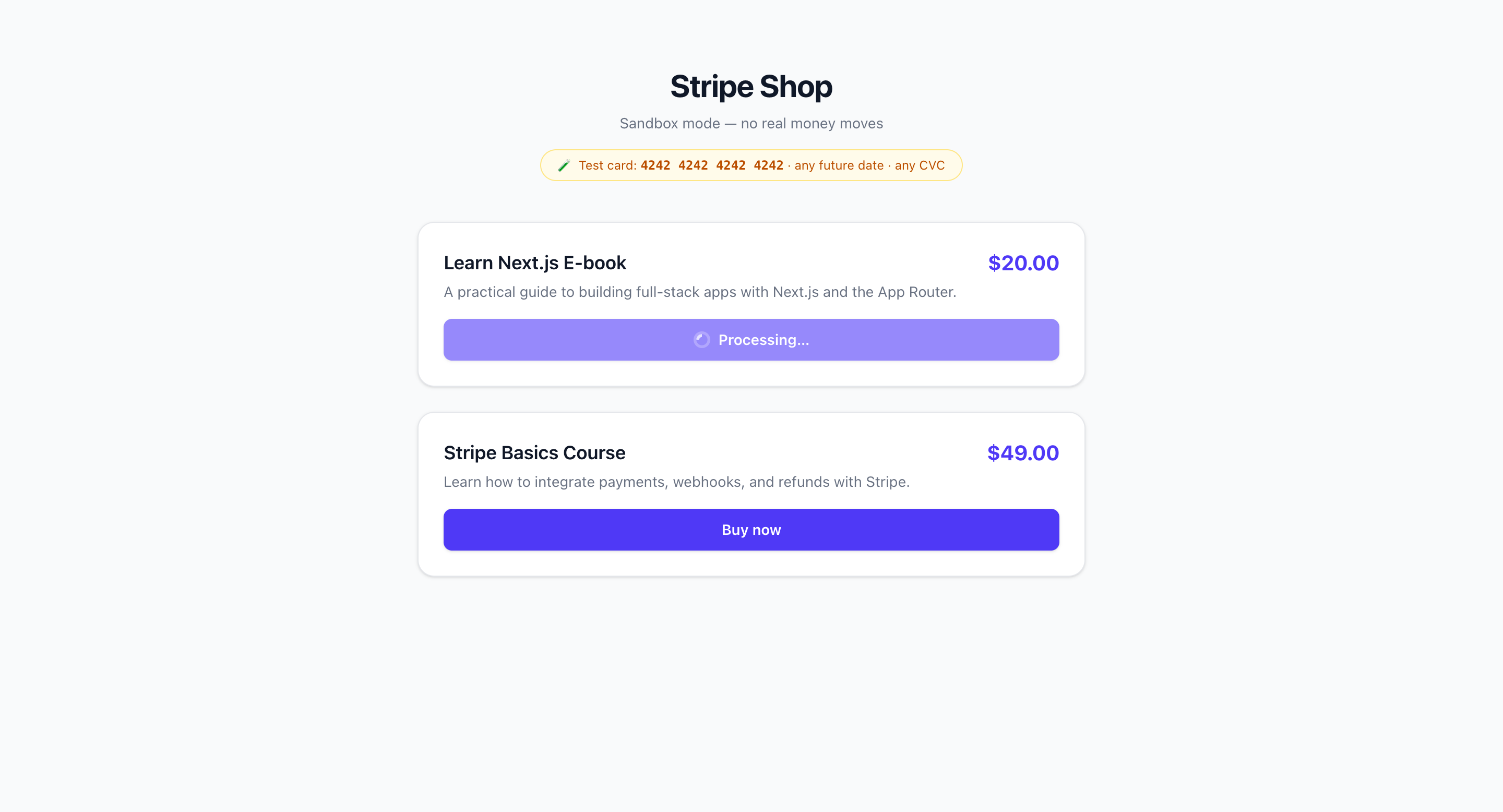
- A product listing page displays items with buy buttons. Prices live in a server-side file. The browser only sends a productId, never a price.
- A POST request to /api/checkout creates a Stripe Checkout session server-side and redirects the user to Stripe's hosted payment page.
- After payment, Stripe redirects to /success?order=id. The page starts as "pending" and polls for status. It only flips to "paid" after the webhook arrives, not after the redirect.
- The webhook handler at /api/webhook verifies the Stripe signature, checks a processed_events table for duplicates, and updates the order status in PostgreSQL.
- A refund button calls /api/refund which creates a refund in Stripe. The order status only updates to "refunded" after the charge.refunded webhook arrives.
- The entire order lifecycle (pending, paid, refunded) is tracked in a Neon PostgreSQL database via Drizzle ORM.
Tech Stack
| Next.js 16 | App Router with TypeScript, Route Handlers for all API endpoints |
| Stripe | Checkout sessions, webhook events, refunds API in sandbox mode |
| Drizzle ORM | Schema-first, type-safe migrations and queries |
| Neon PostgreSQL | Serverless Postgres, separate pooled and direct connection URLs |
| Tailwind CSS v4 | Utility-first styling, no component library needed for a sandbox |
What I Would Improve
The success page polling is a simple auto-refresh interval. Replacing it with a WebSocket or Server-Sent Events connection would give instant status updates without repeated HTTP round trips. The product catalog is hardcoded in a server file. A real implementation would pull prices from a database or Stripe's product catalog API, which also enables promotional pricing and inventory management. Adding email confirmation via Resend or similar after the paid webhook would complete the typical checkout experience.
Screenshots